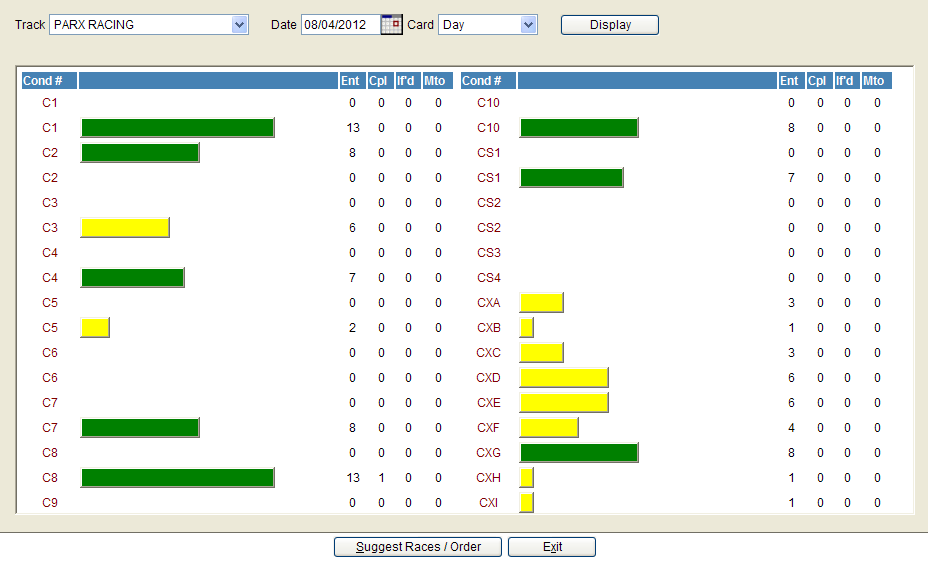
The Rundown screen has been enhanced with Race Scheduling tools containing Relative Predictive Handle logic. The purpose is to help identify the best group of races to include in the day’s card and provide the user with more information for race placement. Used in conjunction with the revised Race Day Schedule tool and the post time coordination tool, this should allow you to make a more informed decision on race selection and placement.
When all entries have been closed, you will be ready to set your races by looking at the relative predicted handle for each condition and decide which conditions to draw in and what race number to assign to each.
After reviewing each field as described below, continue with this process by clicking the 'Suggest Races / Order' button at the bottom of the screen:
Track - the user may select any track they have security access to.
Date – The system will default to the next valid race date, as specified on the NTRA Race Calendar maintained by Equibase.
Card – Defaults to day. Evening should be selected, only when there are two cards on the same day.
Display – Press the Display button to populates the screen with entry data.
Rows will turn green once the number of betting entries equals the number set forth in the system admin screen.
Ent - # of entries in the race.
Cpl - # of couplings. i.e. if there are 6 horses entered and 2 are part of an entry then the Ent would show 4 and the Cpl would show 1
If’d - The number of horses that have this race entered as a 2nd preference. On any second preference, the 'If From; column displays the horses's first preference with an "X" in front of it. The "X" is used as a place holder for the If From column.
MTO - The number of horses entered into this race as Main Track Only.
Right click on any race and another menu with the following options will appear:
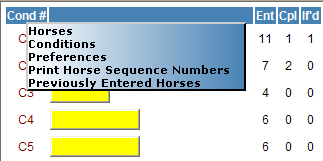
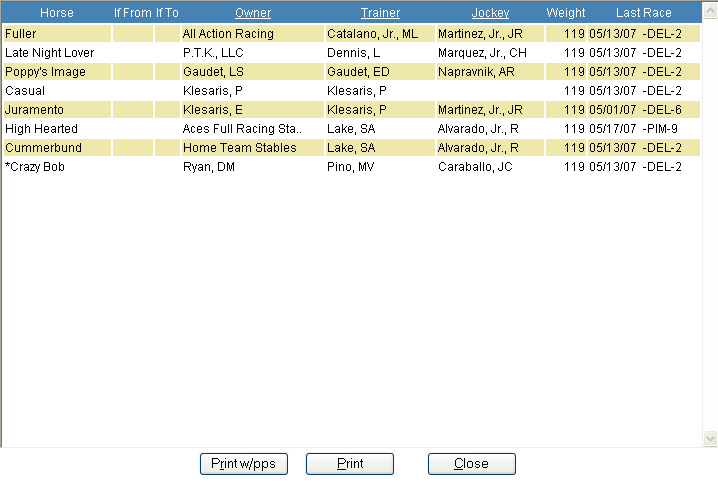
Horses - displays a grid of the horses entered in the race sorted by trainer. Shows: horse name, the race the horse was if’d from, the race the horse was if’d to, Owner, Trainer, Jockey, Weight, and the last start date. This listing can be sorted by Owner, Trainer or Jockey by clicking on the one of the underlined title headings. By default the list is sorted by Trainer. Note: an asterisk will appear in front of a horses name if the horse is entered for the alternate distance only.
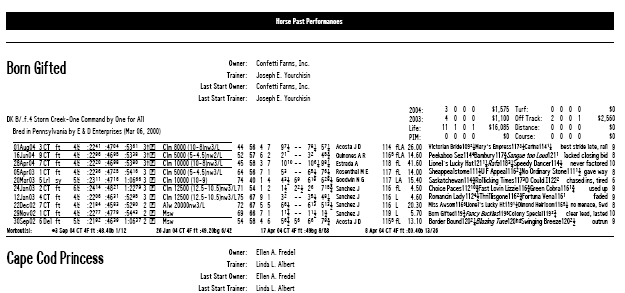
Print W/PPs - Prints the horses into the race and their PP’s. The format is similar to the stake nomination past performance report.
Print – The print button prints a summary of all the horses / owners / trainers / and Jockeys entered into one condition race. The report also includes if the horse is ‘If’d into another race, as well as the name of the entry clerk, and time the entry was taken.
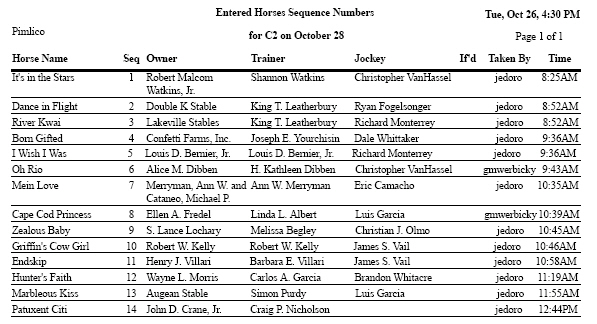
Rundown Preferences
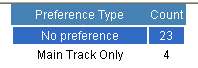
This option shows the number of horses entered in each preference. Click in the preference to get a list of the horses.
Suggest Races / Order - This button will move you to the Predicted Handles page.
Note: If any horses have
been drawn, they must be deleted before the system can analyze the entries
and calculate a predicted handle. If any draws exist when you click the
‘Suggest Races / Order’ button, the following popup box will be displayed:

To delete the draws and continue, press ‘Yes’, otherwise answer ‘No’ to stop and return to the Rundown screen.